














 Training Certificate is Govern By 12 Global Associations.







 Career Transition
 Career Gap
 Placement Activities
 Placement Drives
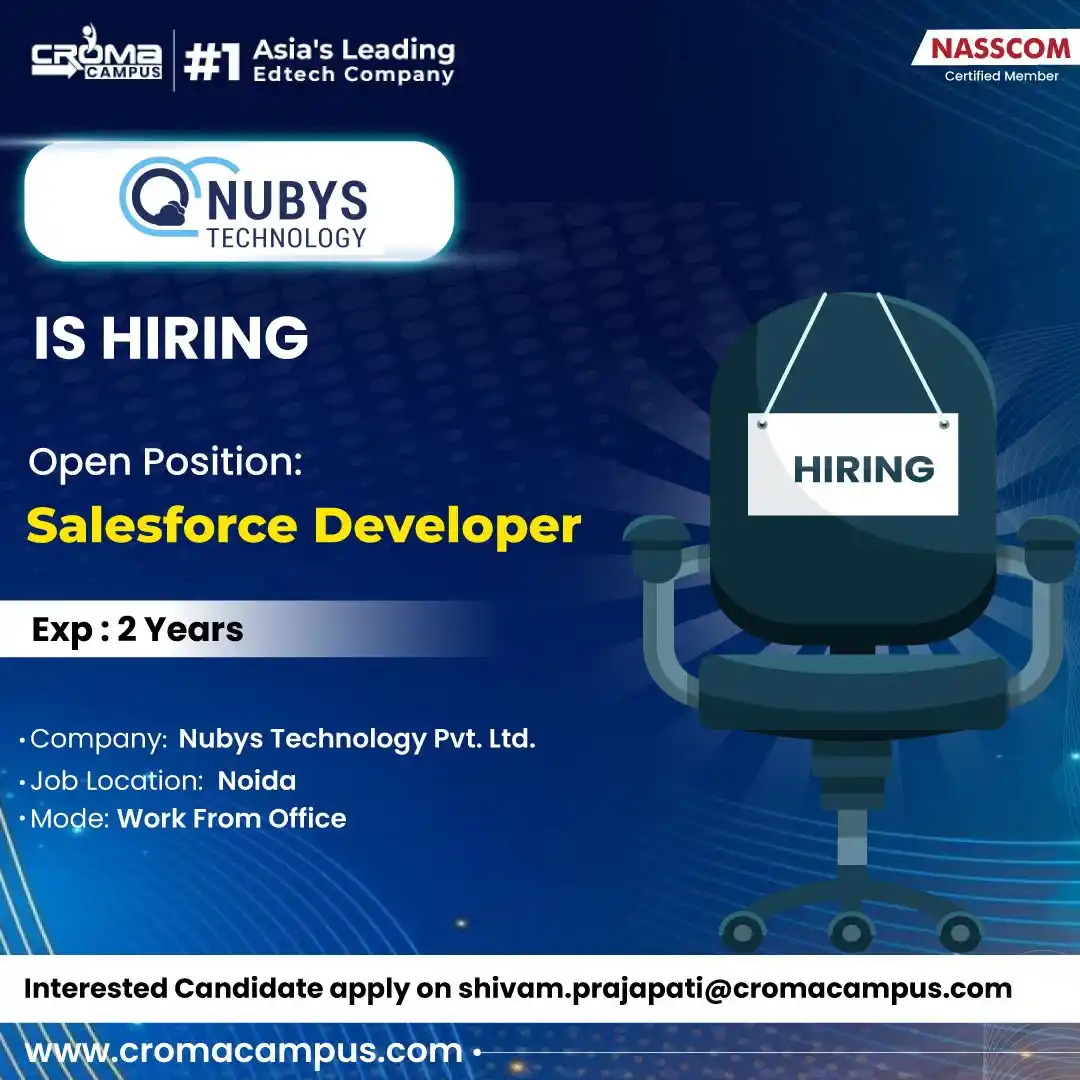
 Latest Hiring
 Whats App Reviews
.webp)

.webp)

.jpg)

.jpg)

.jpg)
Course Design By
Nasscom & Wipro
 GUIDE ME
Learn Primavera P6 Training in Mumbai with practical project planning, scheduling, resource management, and project control skills designed for today’s construction and project management professionals.
 4.2/5
4.2/5 4.8/5
4.8/5 4.6/5
4.6/5 4.3/5
4.3/5 4.5/5
4.5/5In collaboration with

Online/Offline
Format
LMS
Life Time Access
we train you to get hired.

Understand the basics of Primavera P6
Create and manage projects
Create Work Breakdown Structure (WBS)
Add and manage activities
Create activity relationships
Work with project calendars
Set activity durations
Add project milestones
Create project schedules
Understand the critical path
Assign resources to activities
Manage resource information
Add project costs
Create project baselines
Track project progress
Prepare project reports
Work on practical project planning
Primavera P6 basics
Project creation
Enterprise Project Structure
Work Breakdown Structure
Activity creation
Activity types
Activity relationships
Project calendars
Milestones
Constraints
Scheduling
Critical path
Float
Resources and roles
Resource assignment
Cost management
Baselines
Project tracking
Progress updates
Reports and layouts
Practical project work
Training sessions by experienced trainers
Practical lab sessions
Easy-to-understand course content
Industry-based topics
Project planning exercises
Live project practice
Primavera P6 software practice
Daily assignments
Doubt-clearing sessions
Interview preparation
CV preparation
Certification guidance
Weekday batches
Weekend batches
Online and classroom learning
12th Pass Students
College Students
Graduates
B.Tech Students
BCA Students
B.Sc. Students
Civil Engineering Students
Mechanical Engineering Students
Electrical Engineering Students
Project Coordinators
Planning Engineers
Project Engineers
Site Engineers
Construction Professionals
Project Managers
Working Professionals
Career Switchers
Students
Graduates
Civil Engineers
Planning Engineers
Project Engineers
Site Engineers
Construction Professionals
Project Coordinators
Project Managers
Scheduling Professionals
Working Professionals
Career Changers
Teams can divide a large project into smaller activities and organise them through WBS.
Activities can be given dates, durations, relationships, resources, and other project details.
Project teams can prepare schedules and understand how changes may affect project activities.
People, equipment, and other resources can be assigned to activities and managed through the project.
P6 helps planners identify activities that can have an important effect on the project schedule.
Teams can update actual progress and compare the current project position with the planned schedule.
Planning Engineer
Project Planner
Project Scheduler
Project Coordinator
Project Engineer
Planning Coordinator
Project Control Engineer
Project Management Executive
Construction Planner
Scheduling Engineer
Project Controls Specialist
Project Manager
Primavera P6: Learn how to create activities, add durations, dates, activity types, and other project details.
WBS: Learn how activities are connected and how one activity can affect another activity.
Activities: Learn how to create activities, add durations, dates, activity types, and other project details.
Relationships: Learn how activities are connected and how one activity can affect another activity.
Calendars: Learn how working days, holidays, and working hours can affect project scheduling.
Resources: Learn how to add people, equipment, and other resources and assign them to activities.
Scheduling: Learn how to calculate project schedules and check activity dates and project progress.
Baselines: Learn how to save a planned version of a project and use it to compare project progress.
Reports: Learn how project information can be arranged and presented using layouts and reports.
Construction Project Planning
Building Project Schedule
Road Construction Schedule
Infrastructure Project Planning
Resource Planning Project
Project Cost Planning
Baseline Comparison Project
Project Progress Tracking
Delay Analysis Practice
Complete Primavera P6 Scheduling Project
Creating a new project
Creating WBS
Adding activities
Creating activity relationships
Setting calendars
Adding milestones
Assigning resources
Adding costs
Scheduling the project
Checking critical activities
Setting a baseline
Updating project progress
Checking delays
Preparing reports
Working on a complete project
Certificate help
Practical exercises
Projects
Mock interviews
Resume building
Interview help
Career guidance
Freshers: 3 LPA to 6 LPA
1 to 3 Years Experience: 5 LPA to 9 LPA
Experienced Professionals: 8 LPA to 15 LPA+
Primavera P6 skills
Project planning knowledge
Scheduling skills
Resource management skills
Real project experience
Industry experience
Technical knowledge
Communication skills
Educational qualification
Professional certifications
Experienced trainers
Updated course syllabus
Simple teaching method
Practical assignments
Project-based learning
Primavera P6 software practice
Flexible batch timings
Weekday and weekend batches
Online and classroom training
Certificate guidance
Resume building support
Mock interviews
Placement assistance
Study material
Doubt-clearing sessions
Career guidance
we train you to get hired.
By registering here, I agree to Croma Campus Terms & Conditions and Privacy Policy
+ More Lessons
Course Design By
Nasscom & Wipro
Course Offered By
Croma Campus
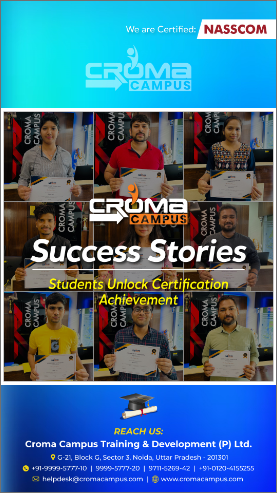
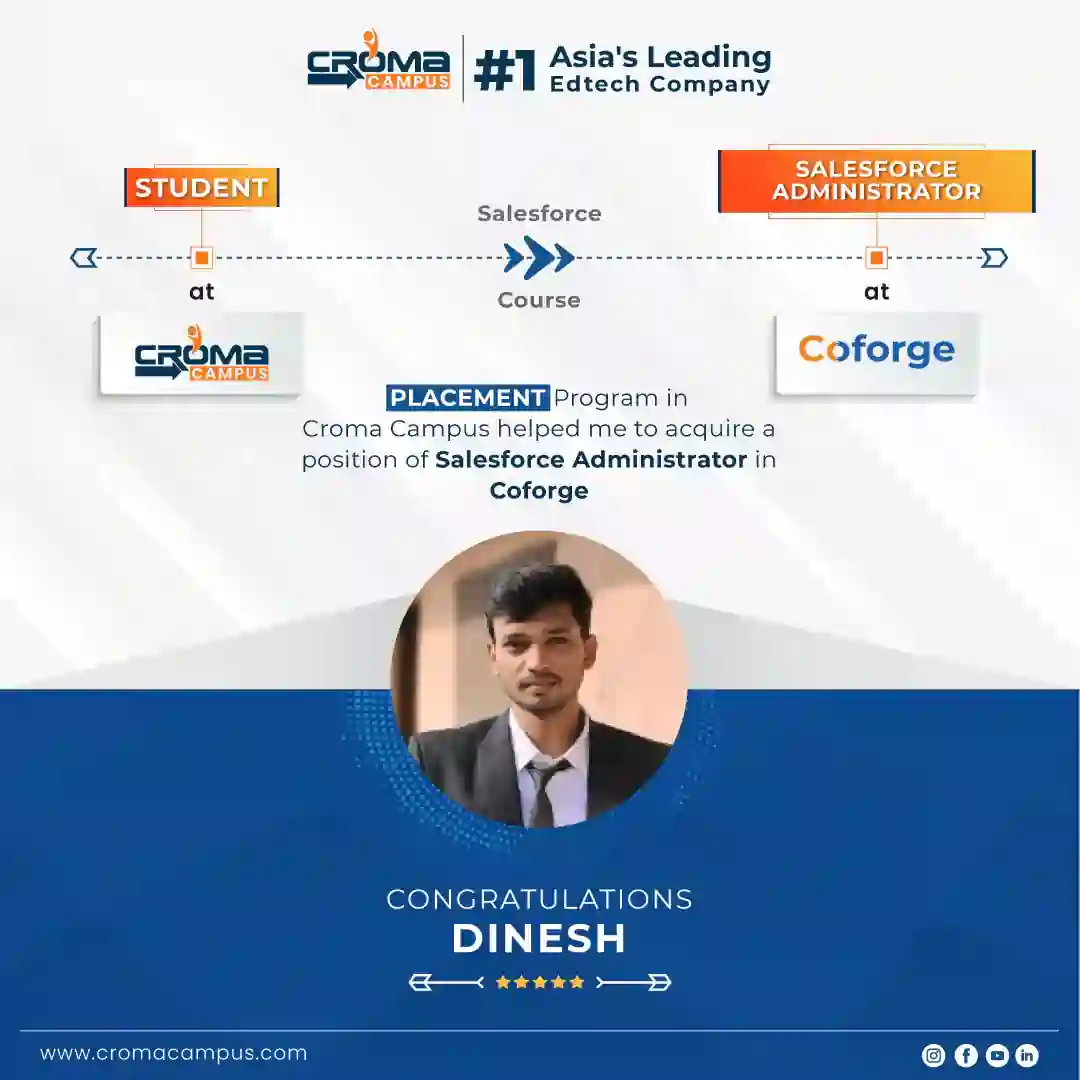
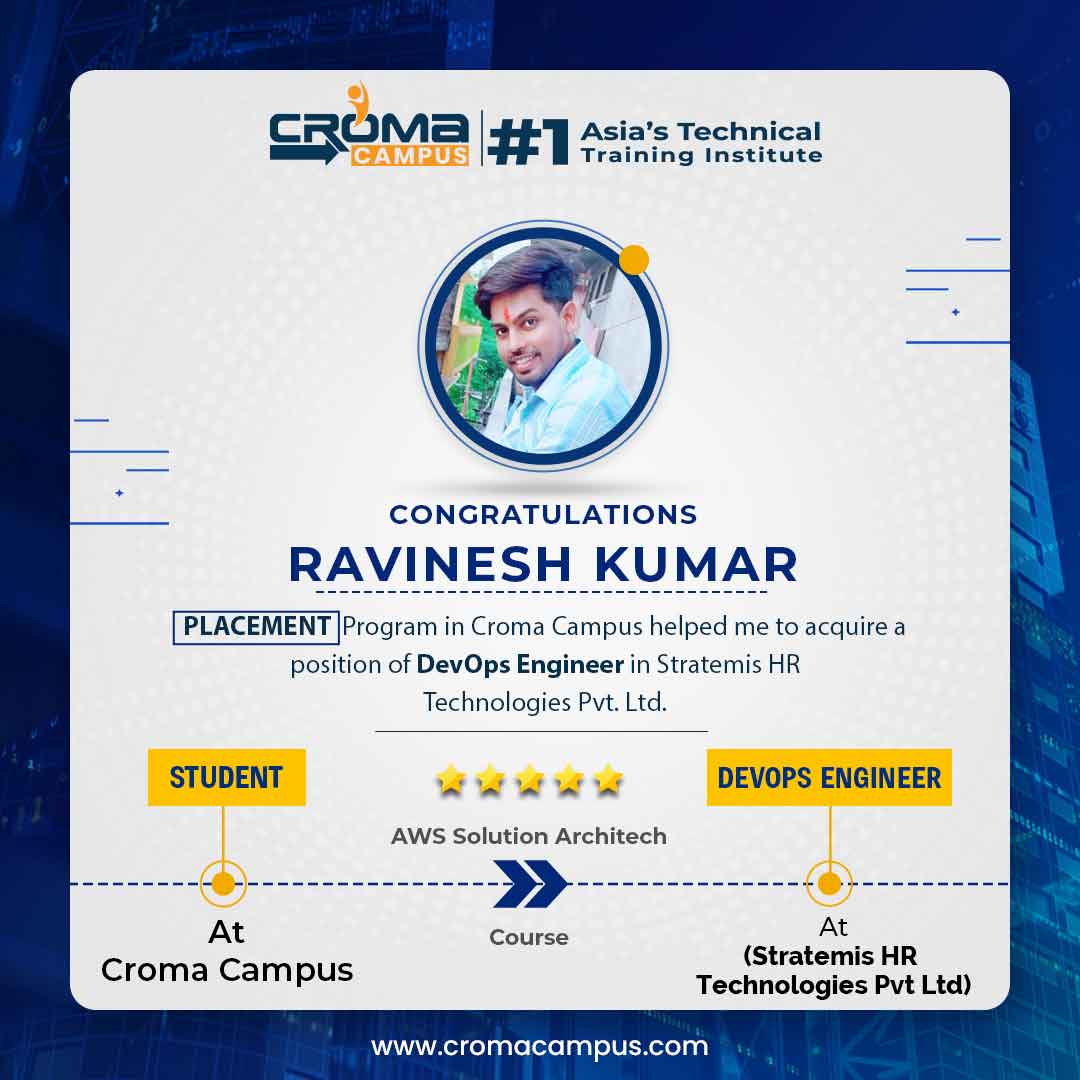
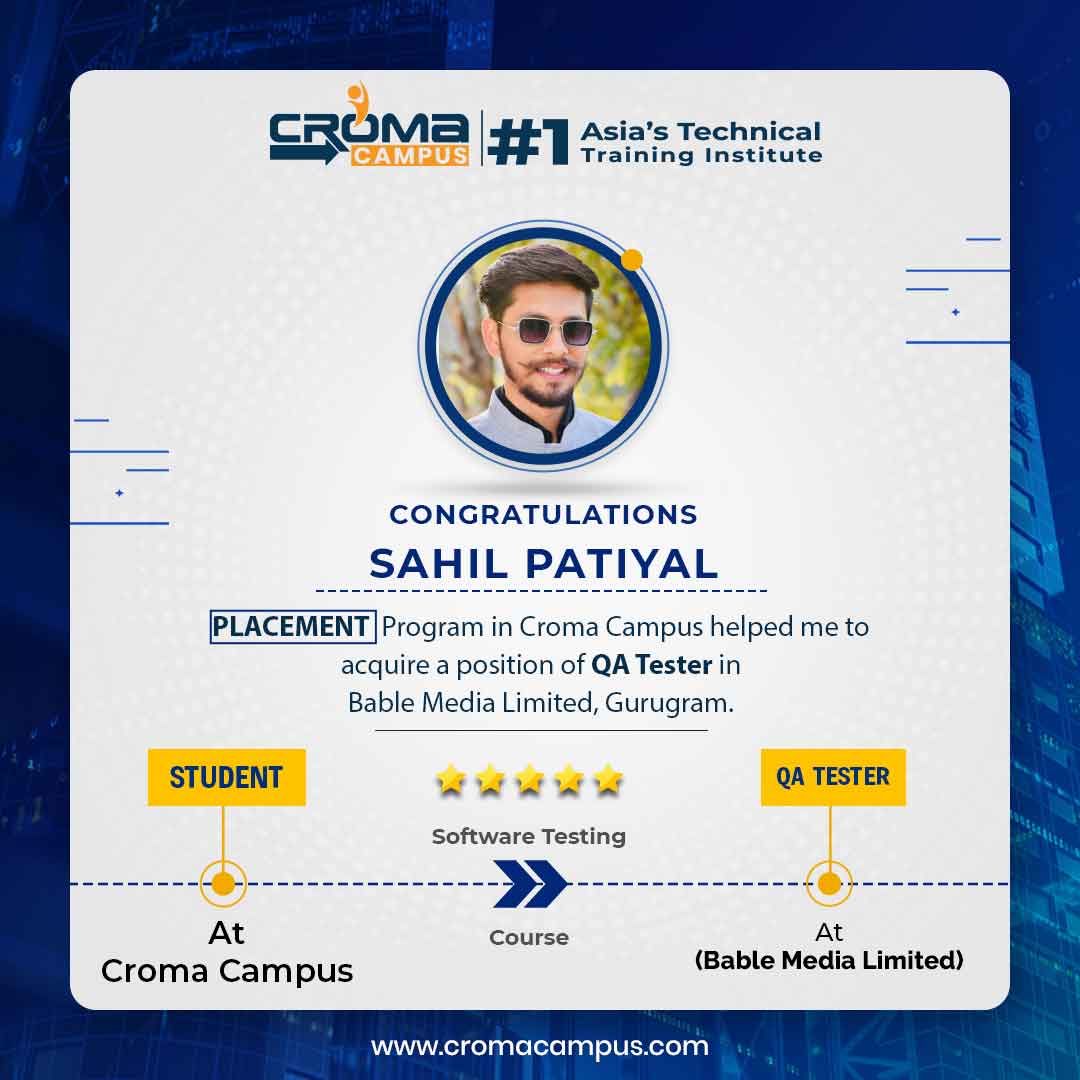
Stories
success
inspiration
career upgrade
career upgrade
career upgrade
career upgrade
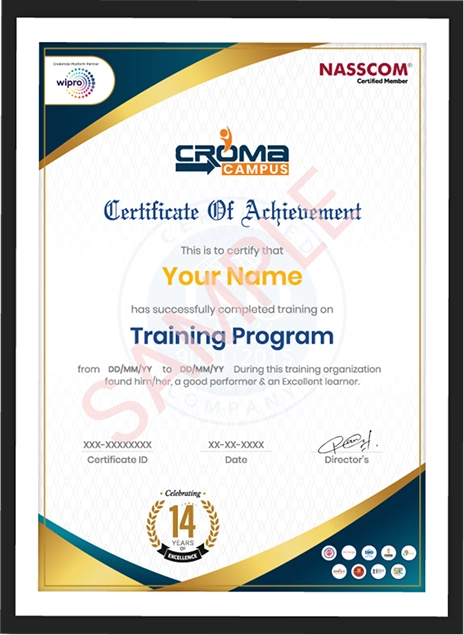
You will get certificate after
completion of program
You will get certificate after
completion of program
You will get certificate after
completion of program
in Collaboration with
Empowering Learning Through Real Experiences and Innovation
we train you to get hired.
Phone (For Voice Call):
+91-828 706 0032WhatsApp (For Call & Chat):
+91-828 706 0032Get a peek through the entire curriculum designed that ensures Placement Guidance
Course Design By
Course Offered By
Ready to streamline Your Process? Submit Your batch request today!
Yes, beginners can join Primavera P6 Training in Mumbai. The course starts with basic topics and then covers project scheduling and other areas.
No. Prior knowledge of Primavera P6 is not needed for beginners. You can start with the basic features and then move towards project planning tasks.
Yes, practical sessions can be conducted in Primavera P6 Classes in Mumbai. Activities like schedule preparation, resource allocation, progress tracking, and other project tasks can be practised.
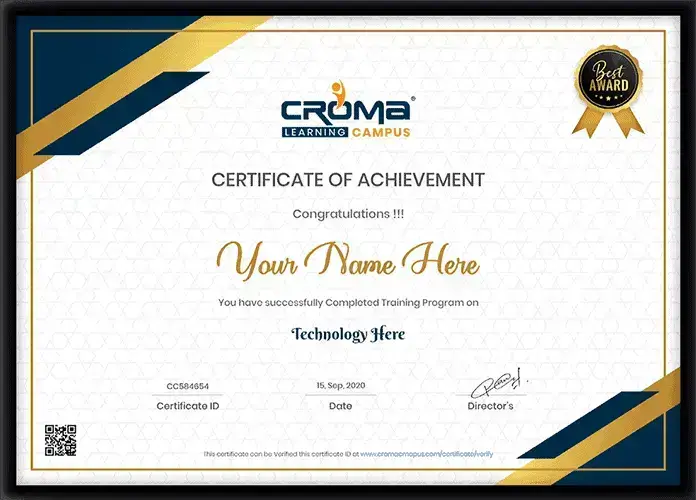
Yes, you can receive a course completion certificate after completing the training program, based on the certification process of the institute.
Yes. Professionals can join the Primavera Course in Mumbai. Weekday and weekend batches can help professionals learn along with their work.
In Primavera P6 Training in Mumbai, you can learn project creation, WBS, activities, relationships, calendars, scheduling, resources, costs, baselines, tracking, and reports.
Yes. Primavera P6 can be useful for planning and scheduling tasks, so it can be a helpful skill for planning engineers.
You could practise construction, infrastructure, engineering, and other project types. The projects can cover activity planning, scheduling, resource allocation, progress tracking, and baseline comparison.
Students, graduates, engineers, planners, project coordinators, project engineers, construction professionals, working professionals, and career changers can enrol in Primavera P6 Training in Mumbai.
After completing the Primavera Course in Mumbai, you could apply for roles such as Planning Engineer, Project Planner, Project Scheduler, Project Coordinator, Project Engineer, Scheduling Engineer, and Project Controls Specialist.


Highest Salary Offered

Average Salary Hike

Placed in MNC’s

Year’s in Training

fast-tracked into managerial careers.
Get inspired by their progress in the
Career Growth Report.
FOR QUERIES, FEEDBACK OR ASSISTANCE
Best of support with us
Share some of your details and we will be in touch with you for demo details, and know about Batches Available with us!
By registering here, I agree to Croma Campus Terms & Conditions and Privacy Policy


For Voice Call
+91-971 152 6942For Whatsapp Call & Chat
+91-9711526942Share some of your details and we will be in touch with you for demo details, and know about Batches Available with us!



.jpg)









.webp)











































.webp)



















































 +91-828 706 0032
 +91-828 706 0032



 +91-828 706 0032
 +1 (782) 819-0044





 Interested in Course?



.webp)
.webp)

.png)


