
40k
LearnersWeekend/WeekdayLive
Class
- 2 Live Project
- Self-Paced/ Classroom
- Certification Pass Guaranteed
 GUIDE ME
Understand how the F&O ERP system works. Enroll now to learn from an MS Dynamics F&O expert.
 4.2/5
4.2/5 4.8/5
4.8/5 4.6/5
4.6/5 4.3/5
4.3/5 4.5/5
4.5/5In collaboration with

Online/Offline
Format
LMS
Life Time Access
we train you to get hired.

General Ledger Setup
Chart of Accounts Setup
Journals Setup
Cash and Bank Management Setup & Daily Transactions
Account Payable Setup & Account Payable daily Procedures
Account Receivable Setup & Account Receivable daily Procedures
Budgeting Overview & Planning
Multi Currency
Consolidations
Collection management
Year-End Close
Currency and Exchange rate Setup
Period and Fiscal Year Setup
Date Interval
Reason Codes
Period Allocations
Chart of Accounts
Financial Dimensions
Financial Dimensions Sets
Main Account Categories
Create Main Accounts
Configure Account Structure
Accounts for Automatic Transactions
Inquiries and Reports for Chart of Accounts
Journal Setup
Journal Names Demonstration
Journal Control
Journals Description
Balance Control Accounts
Bank Transaction Types & Groups
Cash & Bank Management Parameters
Payment Purpose Codes
Bank Groups
Bank Accounts
Bank Remittance
Payments Reversal
Reconcile a bank Account
create and release products and product variants
create and apply product templates
create bills of materials (BOMs
create and manage inventory dimensions
create item groups and item model groups
describe inventory costing methods
configure Costing versions for standard and planned costs
set up inventory management parameters and journals
configure and perform quality control and quality management processes
create and process journals including bill of materials, item arrival, transfer, movement, inventory adjustment, counting, and tag counting journals
create and manage purchase requisitions, requests for quotes (RFQs), and purchase orders (POs)
configure change management processes
create sites, warehouses, locations, location formats, location profiles, location types, and zones
implement location directives
identify inventory movement processes
perform cycle counting
differentiate between planning optimization and master planning
set up coverage groups and item coverage
process and view planned orders
set up and use the Supply Schedule form
Microsoft Dynamics 365 for Finance and Operations Introduction
Data Structures
Creating User Interface
Creating Business Logic
General Customize & Development
Security
Leveraging Extensibility
Data Management, Odata, and Office
Consuming and Exposing Services
Leveraging Advanced Features
Creating Visual Studio Team Services Project
Connecting Visual Studio To Visual Studio Team Services
Creating A New Model And Package
Configuring Project And Build Options
Creating a Label File
Creating Enumerated Types
Creating Extended Data Types
Creating a Set Up And Parameter Tables
Creating Main Data Tables
Creating Order Header Tables
Creating Order Line Tables
Creating Menu Structure
Creating a Parameter Form
Creating Menu Items
Creating Set Up Forms
Creating Details Master (Main Table) Forms
Creating a Details Transaction (Order Entry) Forms
Creating Form Parts
Create Tiles With Counters for the Workspace
Creating a Workspace
Creating a Handler Class Using the Application Extension Factory
Hooking Up a Number Sequence
Creating a Create Dialog for Details Transaction Forms
Creating a Sysoperation Process
Adding an Interface to Sysoperation Framework
we train you to get hired.
Phone (For Voice Call):
+91-828 706 0032WhatsApp (For Call & Chat):
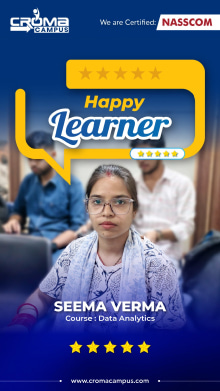
+91-828 706 0032Stories
success
inspiration
career upgrade
career upgrade
career upgrade
career upgrade
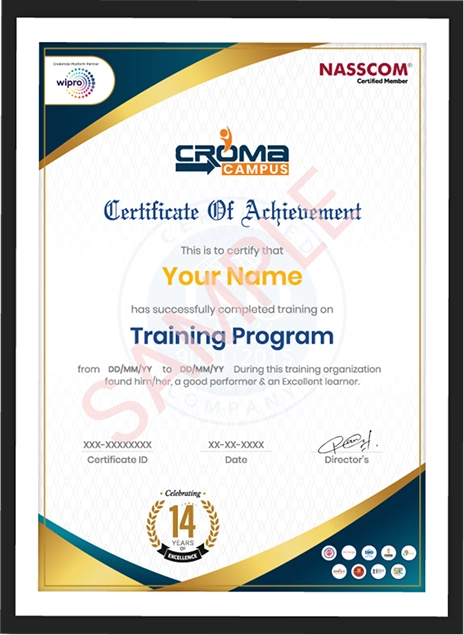
You will get certificate after
completion of program
You will get certificate after
completion of program
You will get certificate after
completion of program
in Collaboration with
Empowering Learning Through Real Experiences and Innovation
we train you to get hired.
Phone (For Voice Call):
+91-828 706 0032WhatsApp (For Call & Chat):
+91-828 706 0032Get a peek through the entire curriculum designed that ensures Placement Guidance
Course Design By
Course Offered By
Ready to streamline Your Process? Submit Your batch request today!

Highest Salary Offered

Average Salary Hike

Placed in MNC’s

Year’s in Training

fast-tracked into managerial careers.
Get inspired by their progress in the
Career Growth Report.
FOR QUERIES, FEEDBACK OR ASSISTANCE
Best of support with us
Share some of your details and we will be in touch with you for demo details, and know about Batches Available with us!

For Voice Call
+91-971 152 6942For Whatsapp Call & Chat
+91-9711526942Share some of your details and we will be in touch with you for demo details, and know about Batches Available with us!










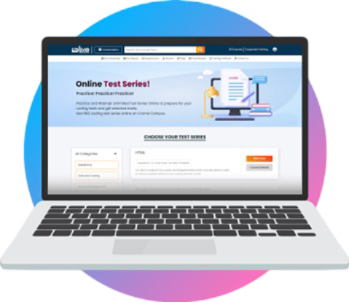


 Training Certificate is Govern By 12 Global Associations.







 Career Transition
 Career Gap
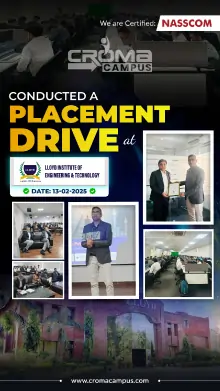
 Placement Activities
 Placement Drives
 Latest Hiring
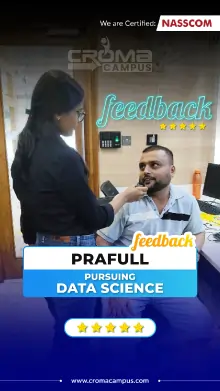
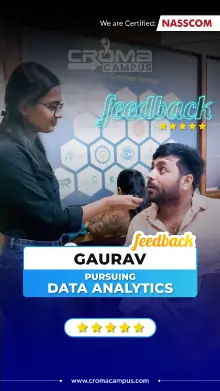
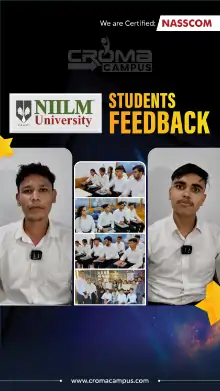
 Whats App Reviews
.jpg)
.jpg)
.jpg)
.jpg)
.jpg)
.jpg)
.jpg)











.webp)










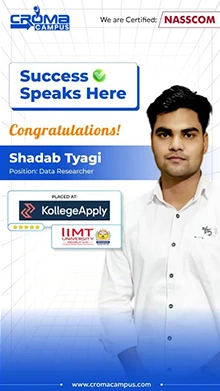


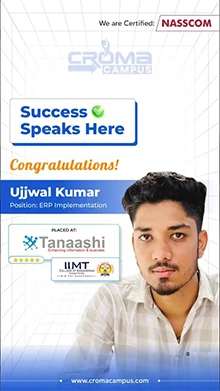












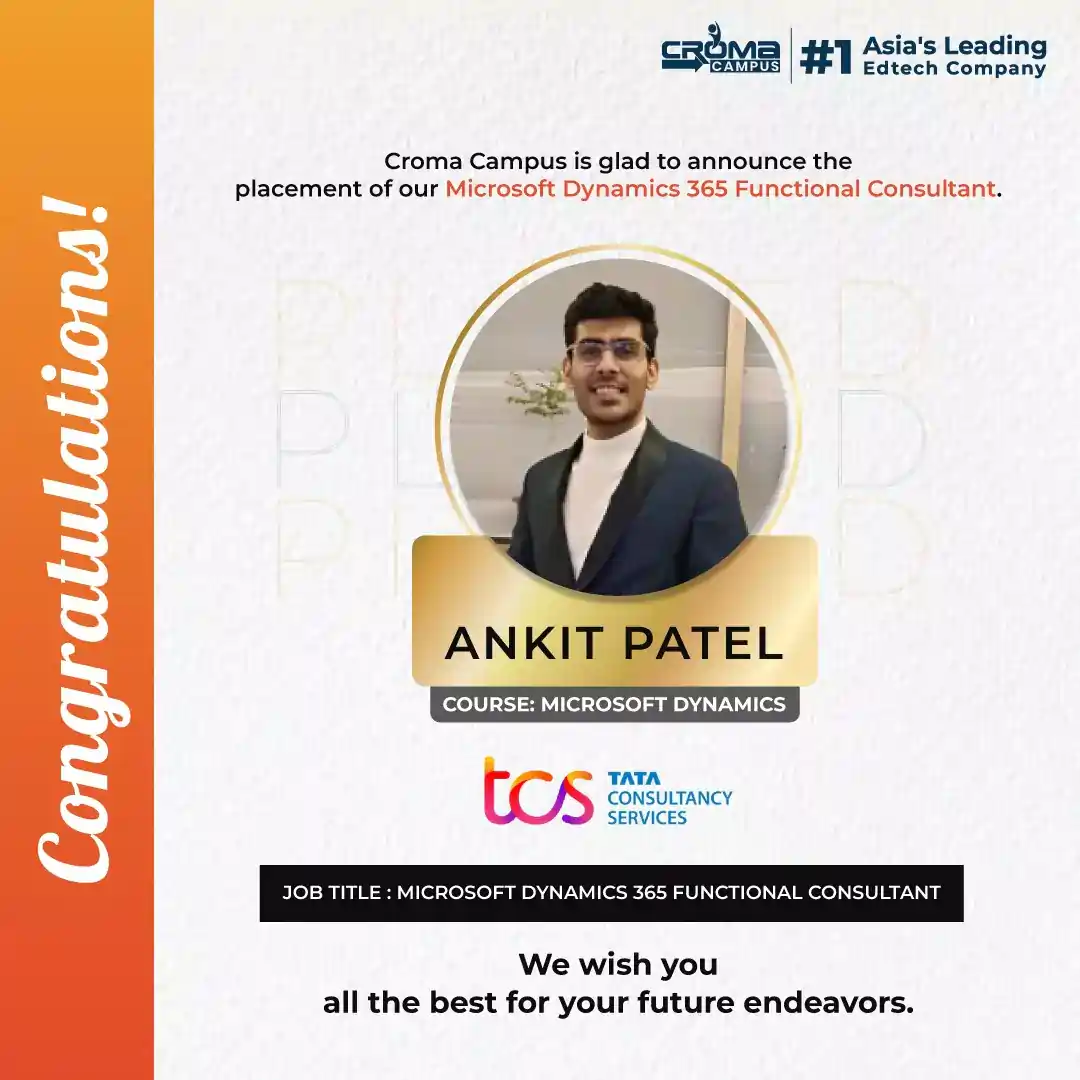

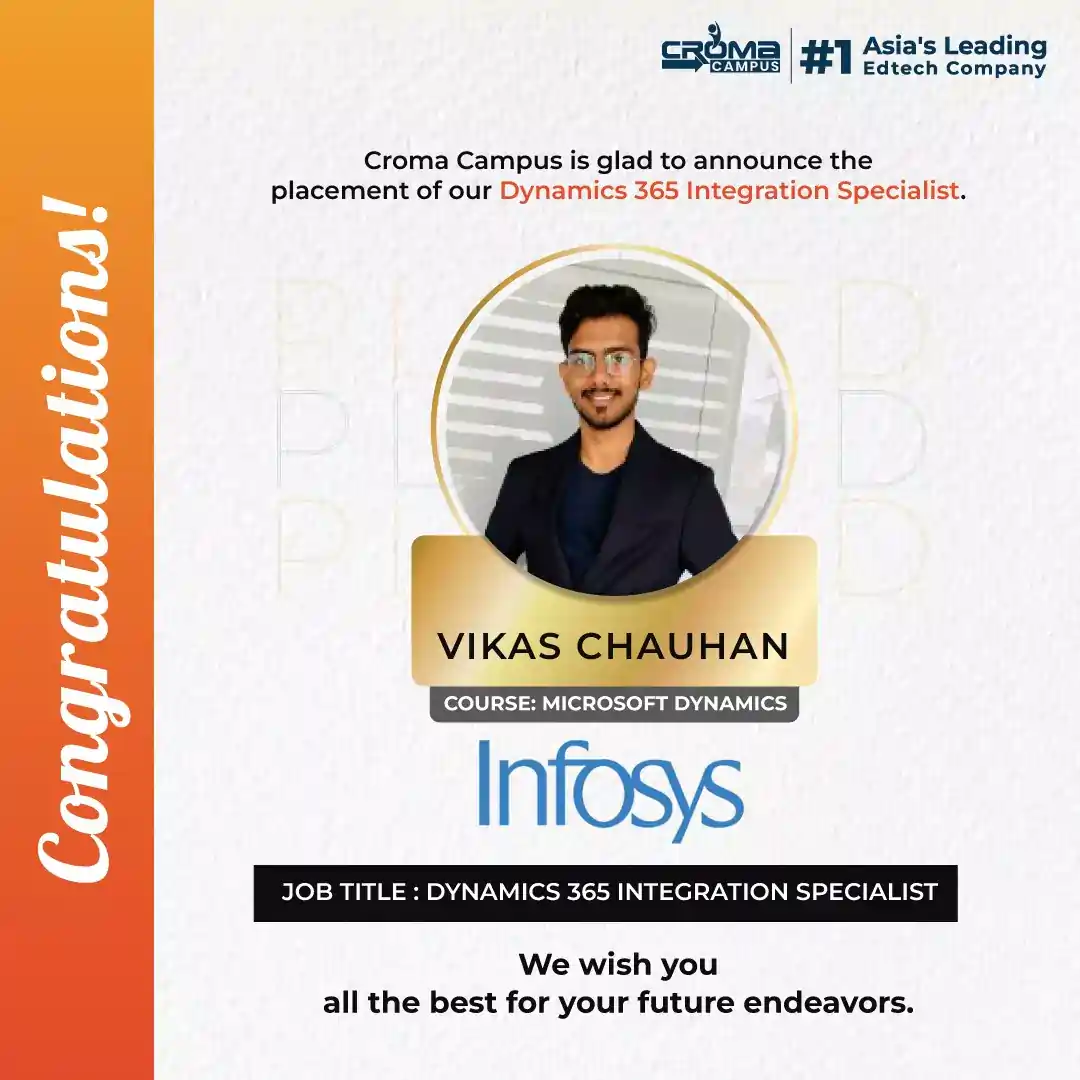






 +91-828 706 0032
 +91-828 706 0032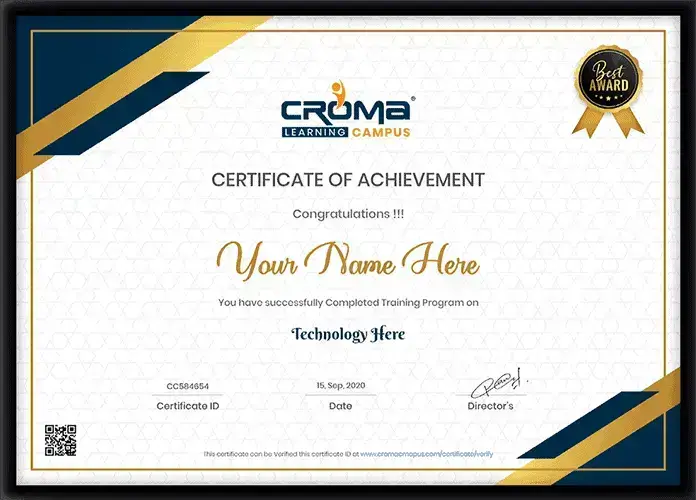




 Interested in Microsoft Dynamics 365 F&O Training Course?
 +91-828 706 0032
 +1 (782) 819-0044




 Interested in Course?



.webp)
.webp)

.png)


